Lesson 2: Version Control System
2024-10-16
Version Control System
git is a Distributed Version Control System
- Version Control System
- Revision Control System
- Source Control System
- Source Code Management
https://git-scm.com/
What is a DVCS
- A VCS keeps older versions of your files
- Like an “undo” button on steroids
- Keep all history forever
- History contains all files, any file types
- Each change has a “note / comment”
- See older versions and see changes between versions, without actually “undoing”
- Undo one specific change
- Trees of changes
- And then all of this distributed, multi-user.
Caveat: you have to manually create the undo-steps.
In practice
- Let’s make it visual
- Once you have tasted the power, you never want to go back
start
![]()
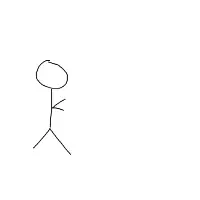
v1
add man
![]()
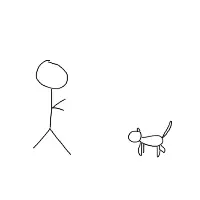
v2
add cat
![]()
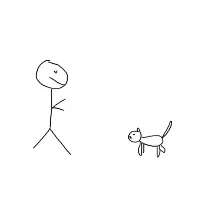
v3
add faces on man and cat
![]()
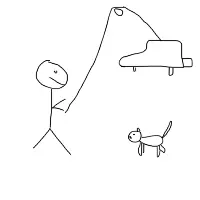
v4
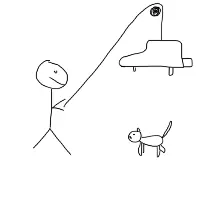
add piano on string
![]()
v5
Make piano on string obey the laws of physics
![]()
v6
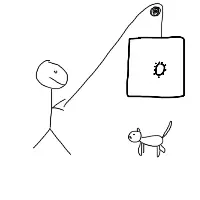
Replace piano by safe
![]()
v7
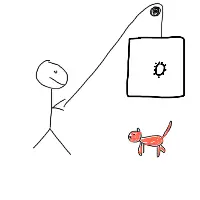
Colour cat
![]()
v8
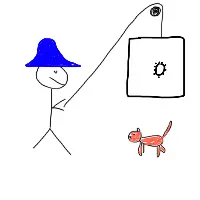
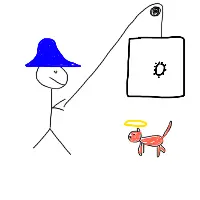
Give man a hat
![]()
v9
Give cat an aura
![]()
v10
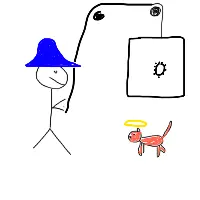
Get a second winch for string
![]()
v11
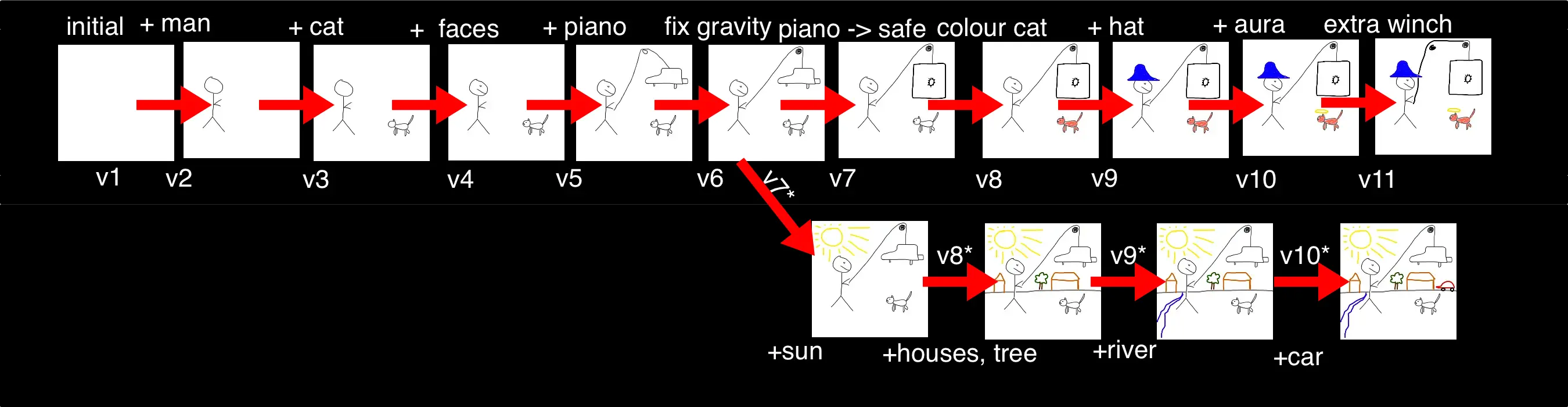
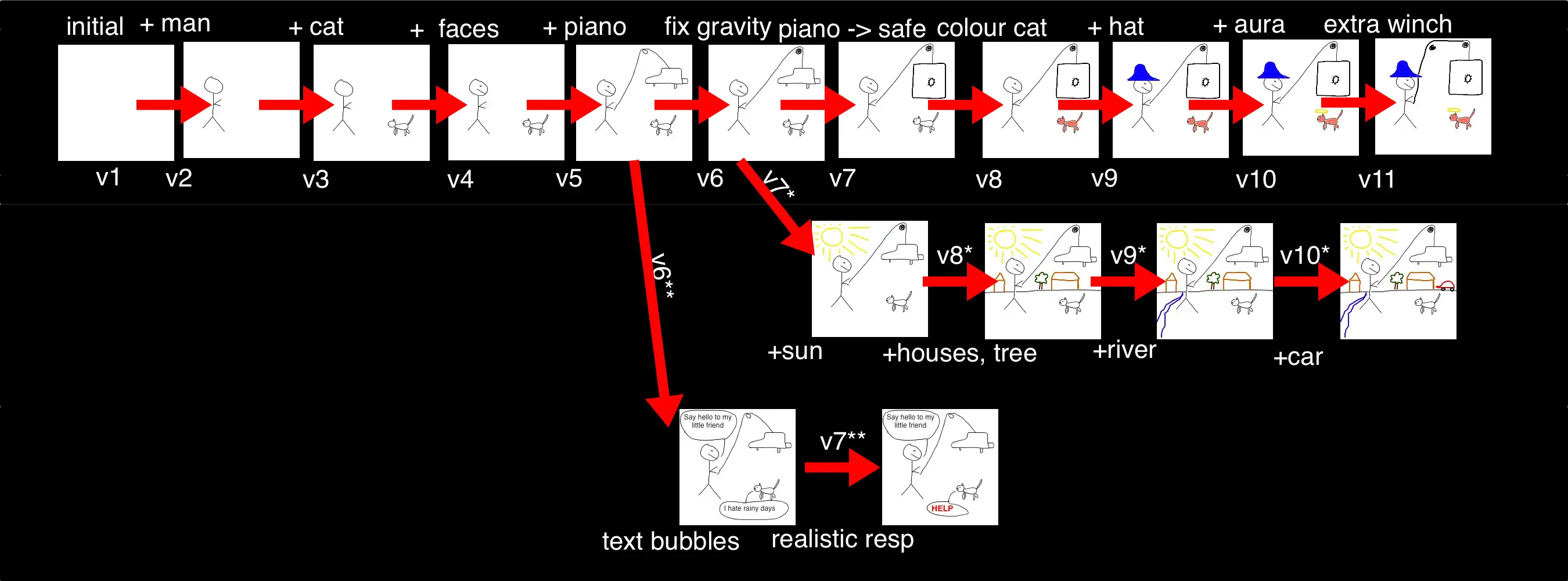
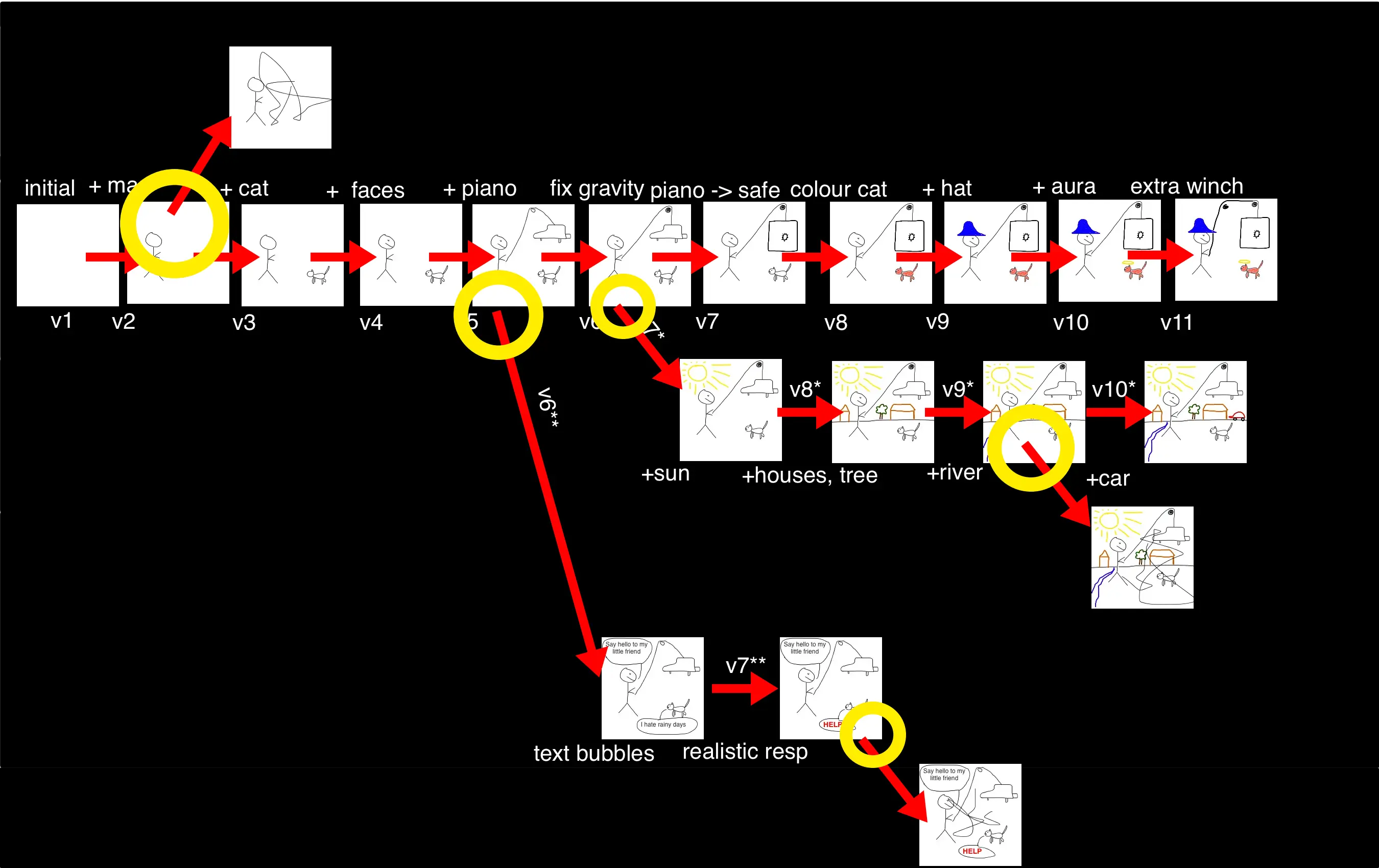
“Timeline”
![]()
timeline
The steps in order, with short names and version numbers
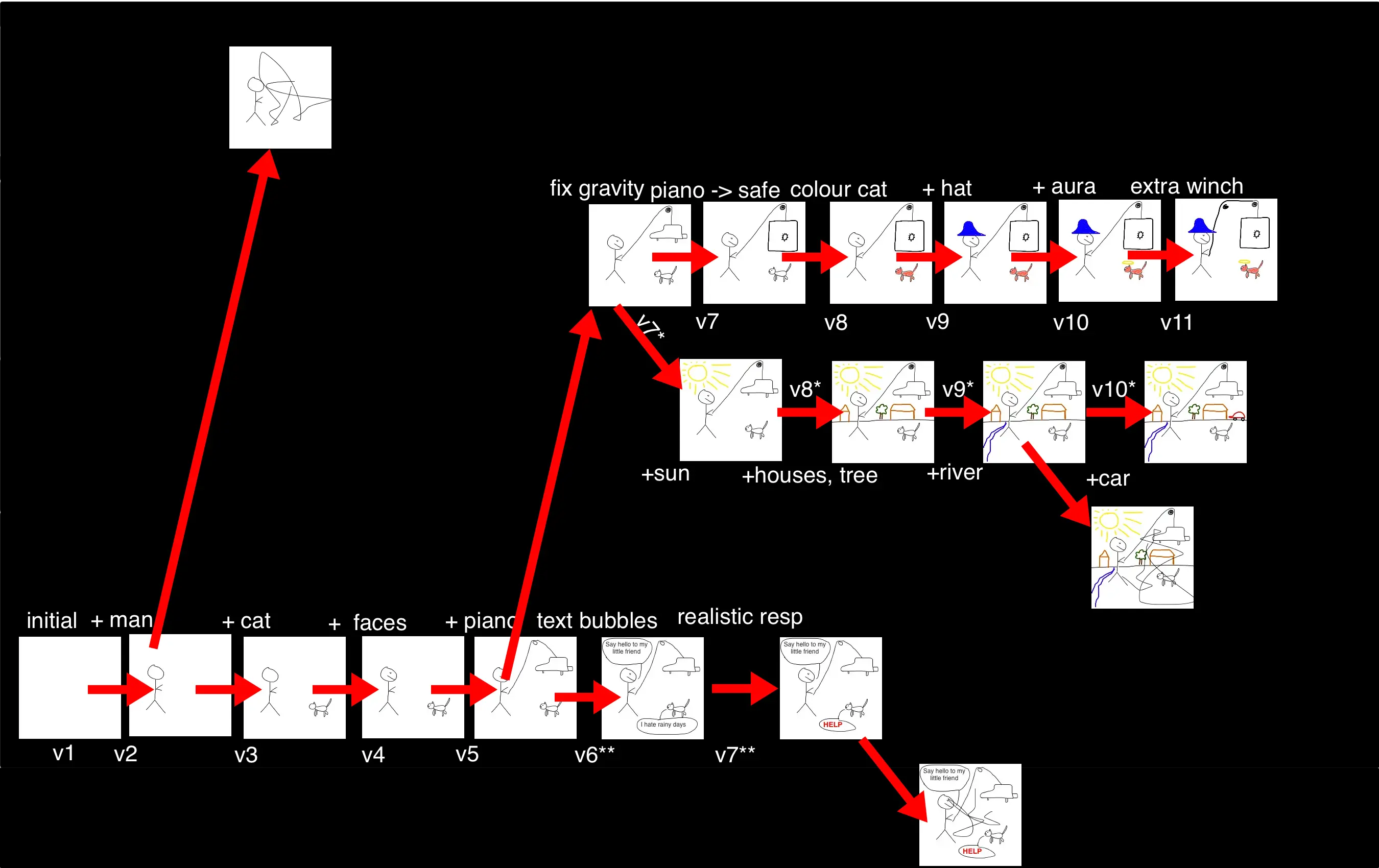
Revision-line
![]()
revisionline
It might make as much sense, to name the changes (not the images)
Environment
![]()
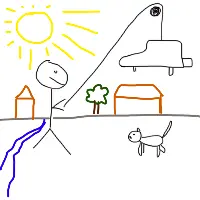
v6
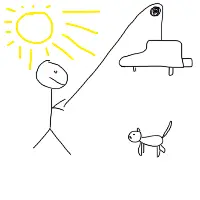
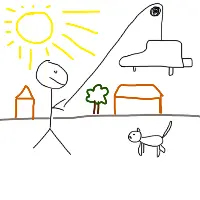
When I was working here, I wanted to experiment with adding some environment
Add a sun
![]()
v7*
Add houses and a tree
![]()
v8*
Note that I decide what goes together into a revision
Add a river
![]()
v9*
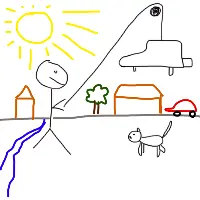
Add a car
![]()
v10*
New revisionline
![]()
revisionline-with-environ
Speech bubbles
![]()
v5
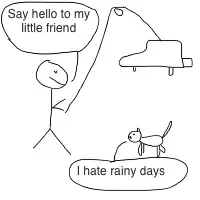
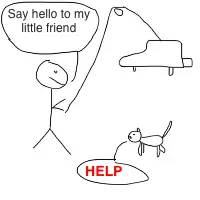
Also at some point I looked into speech bubbles
Wisecracks
![]()
v6**
Note that this frame makes sense, however this would not make sense together with the sun.
More realistic response
![]()
v7**
New revisionline
![]()
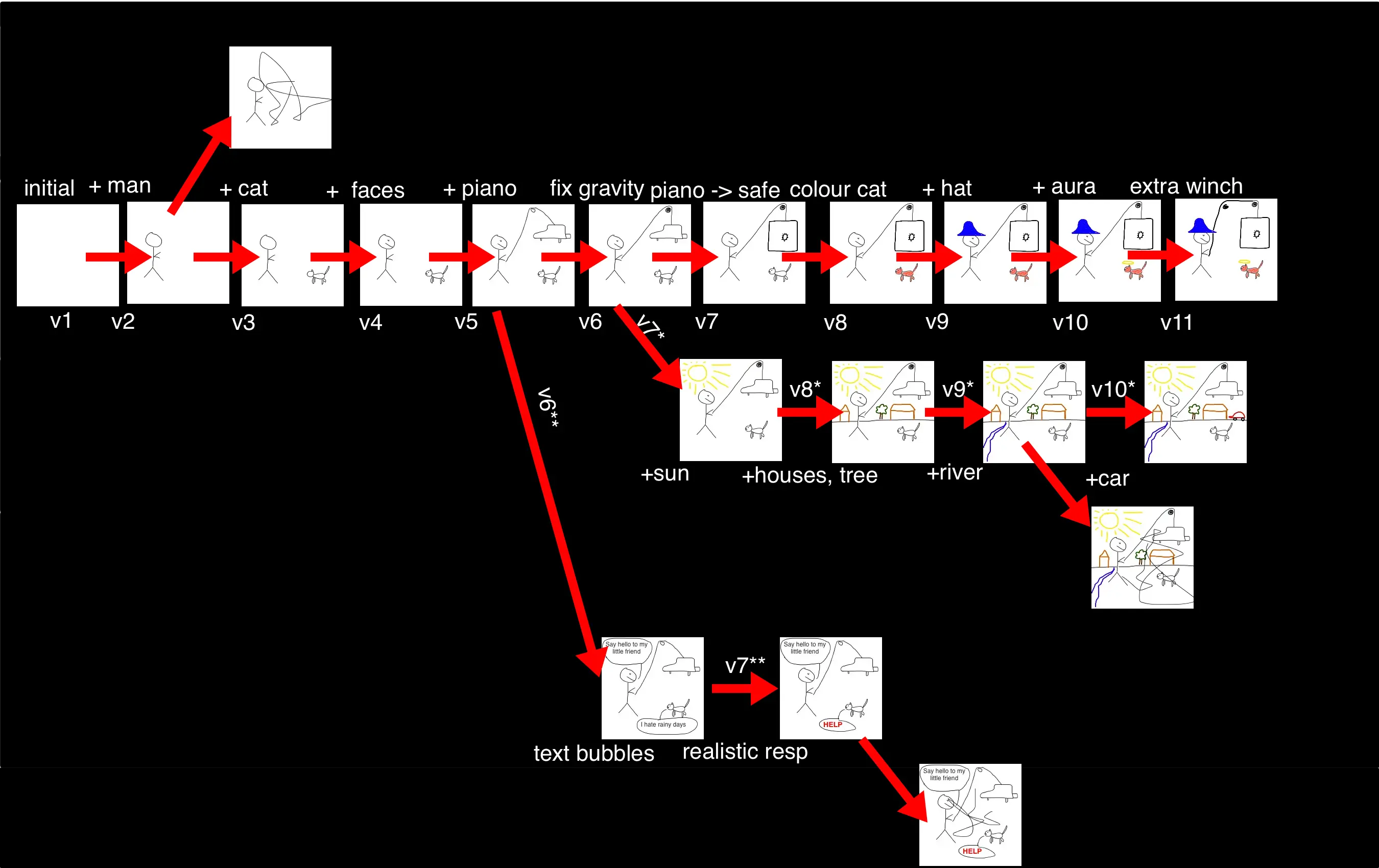
revisionline-with-2-branches
Even more complex
![]()
revisionline-with-branches
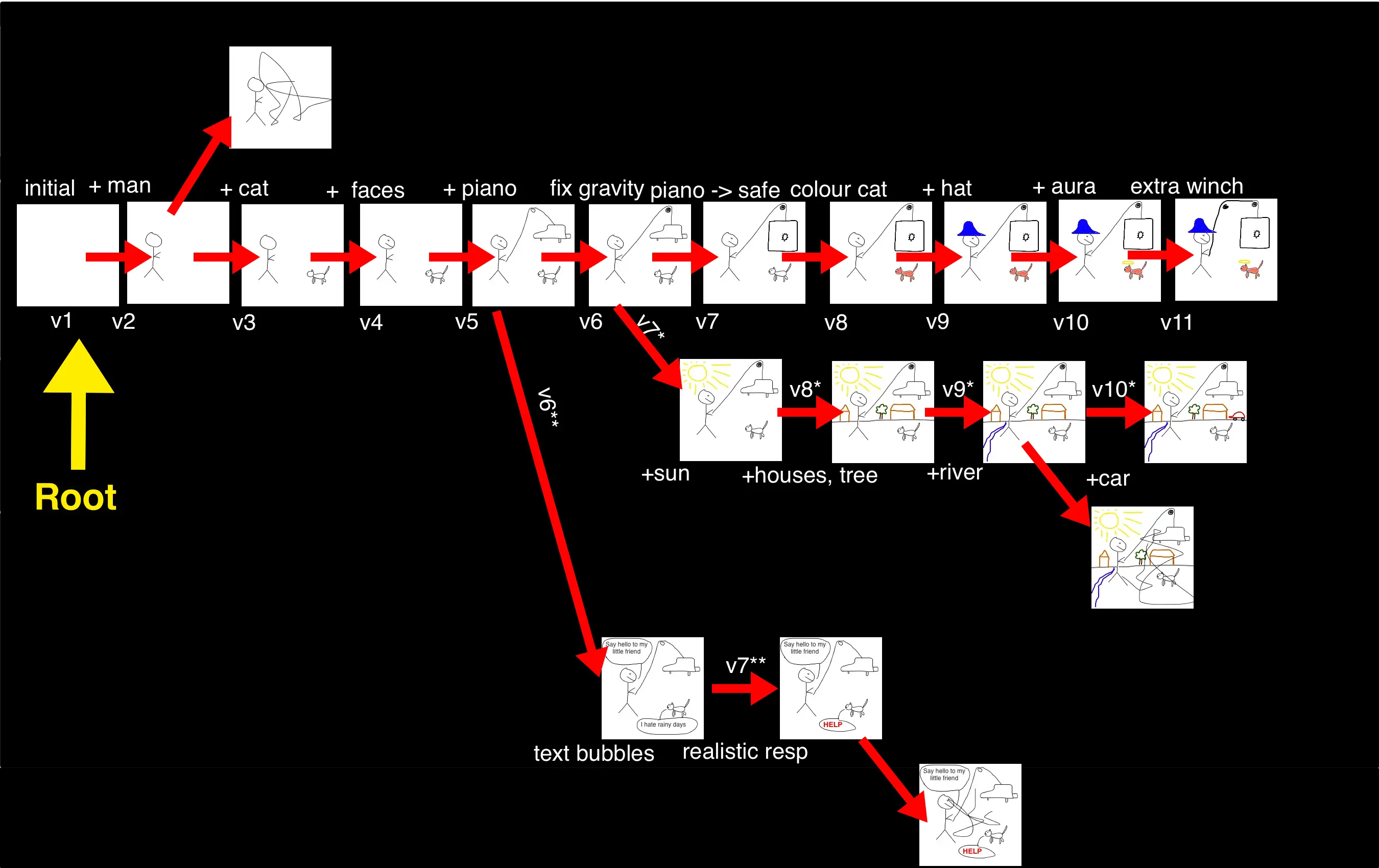
Tree
![]()
root
Tree with branches
![]()
branchpoints
Two similar trees
![]()
revisionline-with-branches
Alternative
![]()
revisionline-with-branches-alt
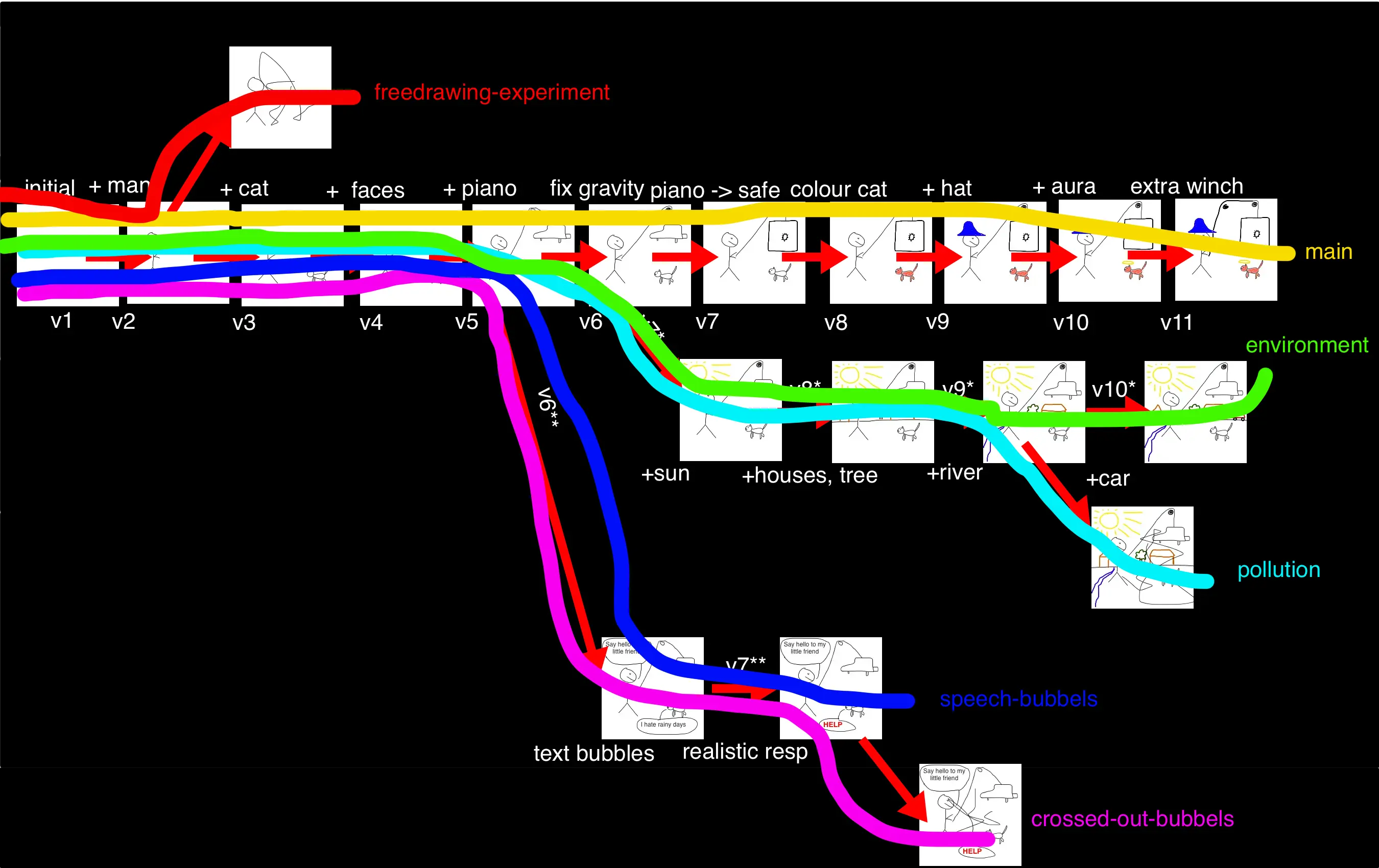
Trees and branches in git
- In
git you work with repositories
- A repository is a tree with (usually) a single root
- The tree consists of commits (aka revisions)
- It has one or more branches, all running from the root to the tip
- Each branch has a name
- A branch does not have to “stick out”, you can even have two branches completely overlap
- Default branch name is
main or master
Branches
![]()
drawn-branches
Why do we need a repository
- Undo specific commit
-
- “Undo” normally allows undoing of the last action.
- In VCS, you can revert any commit
- e.g. once the drawing is finished, you could do
git revert v4, what would happen?
The faces should be removed from the final image
- Note that sometimes a later commit depends on a previous one, meaning manual fixing is needed.
Separation of features
- By doing certain things in separate branches, you can try things without polluting the stable code.
- e.g. I could experiment adding text bubbles, and only decide later if I needed them
- It means that if you have a function, you could work on some changes, but still keep the original function until your changes are done
Merge two branches
- It’s possible merge two branches.
- If we are on the
main branch, and type git merge environment, what should happen?
The changes in the environment branch should be “imported”, so there will be all the changes in the main branch, and the sun/house/tree/car.
- Also here, this may not always be possible automatic, or the result may not always make sense. e.g. import the
speech-bubbles branch into the environment branch.
Cherry-pick certain commits
- It’s not necessary to merge whole branches, but e.g. only import the commit that adds the car to the
main branch.
Different people can work on different branches
- And then sync through something like GitHub
History, attribution and comments
- At any time it’s possible to see the full history of the repository, and go to any spot in the tree
- At this spot, new branches can be started
- The history will show who did a certain commit and show the commit message.
- Git tools also allow you to see in the current code, when a certain line was last changed and by whom.